Received
Ask today. Paid today.
Draw wages you have already worked for, and ADVASA sends them the same day.

Received
Draw wages you have already worked for, and ADVASA sends them the same day.
Spent
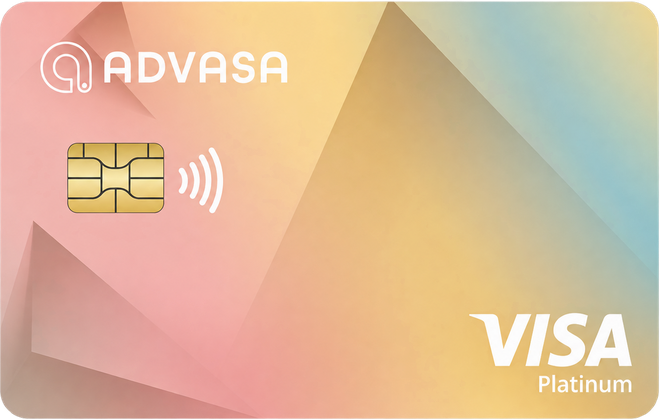
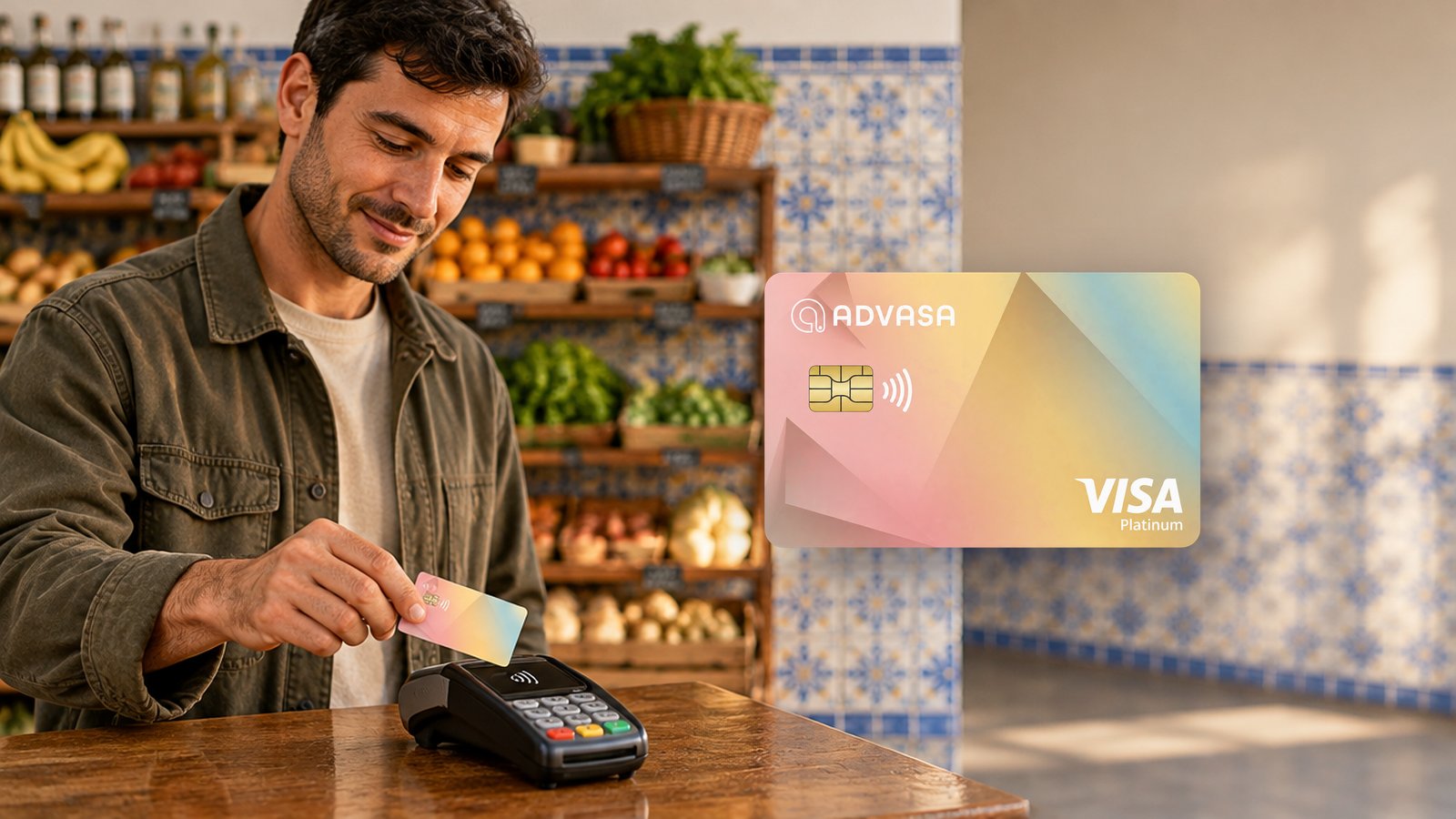
The ADVASA card carries the pay you draw, ready to use straight away.
Requested
Request any amount up to the wages you have already earned, from your phone.

Three steps
Ask for up to what you have already earned.
It goes to your bank account, card or wallet.
It comes off your payslip. Nothing to pay back.
Illustration. Screens shown are representative.
The card
What this is
The amount you drew comes off your payslip on payday. There is nothing for you to pay back separately.
Interest does not apply. You pay a flat fee when you use the service, and that is the whole cost.
You draw against wages you have already worked for, up to a ceiling your employer sets.
The ADVASA app reaches staff through the company they work for. It runs alongside the payroll and attendance systems already in place.
Workers and employers ask different things, and the form asks which you are.